
Customization Guide
Character Customization Guide
- Options
- 200+
- Creator tabs
- Preset, Face, Hair, Style, Body
- Style Shop look
- 600 Quna or a ticket
- Change look later
- Appearance Change Voucher
Checked October 17, 2026
Character Customization Guide
Gender and Presets

Start from a preset
Pick a gender and a starting look. Every preset stays fully editable.

Zoom in close
Small eye, nose and lip changes are easy to miss from far away.
Configure the Face
- HeadHead shape and face outline
- EyesSize, position and rotation
- Iris and pupilTheir own color and shape controls
- NoseLength and nostril size
- MouthLip thickness and mouth position
Hairstyles and Hair Color
- 1
Pick a hairstyle from the Hair tab.
- 2
Set its color in the dye options.
Add Makeup and Marks in the Style Tab
- MakeupEyeliner, lipstick and more
- MarksMoles and beauty spots
- Tattoos and scarsFace art, tattoos and scars
- Facial hairBeards for any face
Work Your Body Shape
- Height and buildOverall size and width
- Arms, waist and legsSeparate sliders for each part
- MuscleSet how defined the body looks
Character Customization Features
Change Your Look With an Appearance Change Voucher
- 1
Get an Appearance Change Voucher.
- 2
Use it to reopen the full creator with every option.
- 3
Make every change in one go, since one voucher covers one edit.
- A2 Mileage shop26,000 Mileage, 2 per character
- Events and Twitch DropsPast drops handed them out
- Ultimate Founder's PackDaeva's Styling Chest (sales ended Oct 5)
Reconfigure Skins With a Customization Voucher

For Closet skins
The Customization Voucher edits a skin in your Closet, not your face or body.

Where to use it
Press ESC, open Closet and pick the skin to change.

Free one at launch
NC gave every player a Customization Voucher (Bound) on Oct 5.
Style Shop Presets
- 1
In the customization screen, press the Style Shop button to open the official site.
- 2
Browse the shared looks and pick one you like.
- 3
Press Download Style to send it to your account.
- 4
Back in game, open Manage Appearance, find the look in your downloads and press Load.
- Or use a Character Appearance ticket
- Applies another player's look to yours
You can share your own look on the Style Shop too, and popular styles can pay out to their creator.
Save Looks in My Appearances
Additional AION 2 Customizations
Wing and Armor Skins
Closet
Armor skins, weapon skins and decor all live here, sorted by type.
Shared on your server
Skins you own work on every character on that server.

Wings
Collected wings change your look and add an Owned Effect. More
- Halloween sets like Midnight Witch
- Pieces go to Closet: Armor
- Halloween Night series
- Pieces go to Closet: Weapons
- Halloween helms and face pieces
- Pieces go to Closet: Decor
These Halloween skins are on sale until the Nov 24 maintenance (PST).
Is There Character Customization?
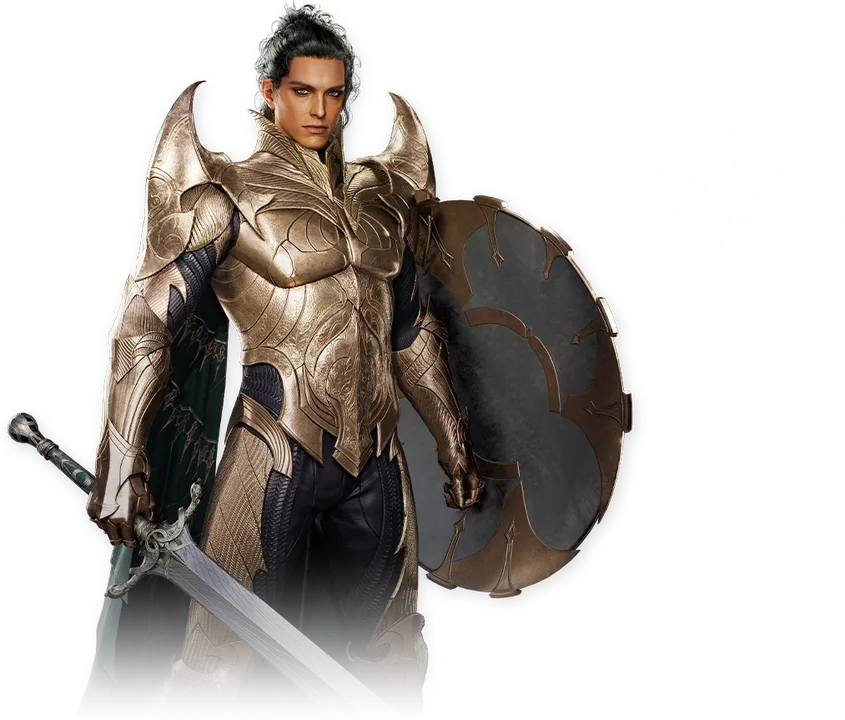
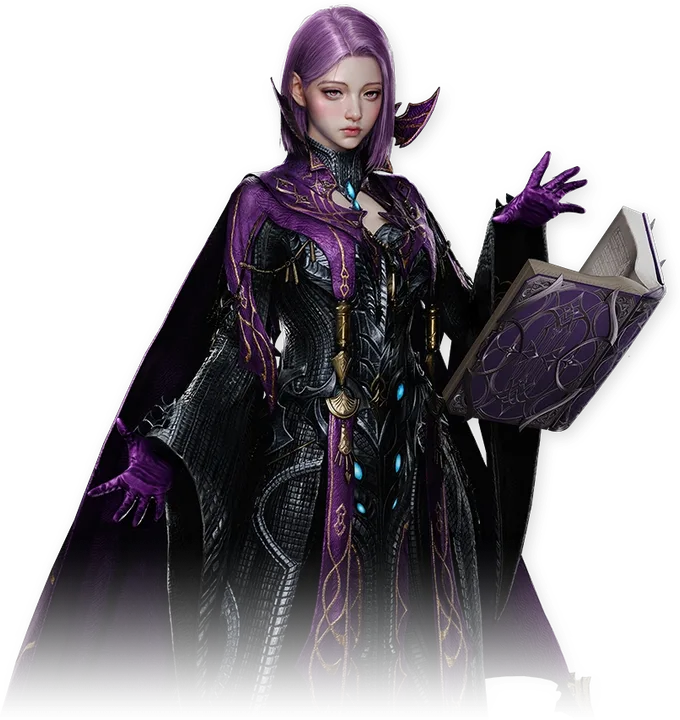
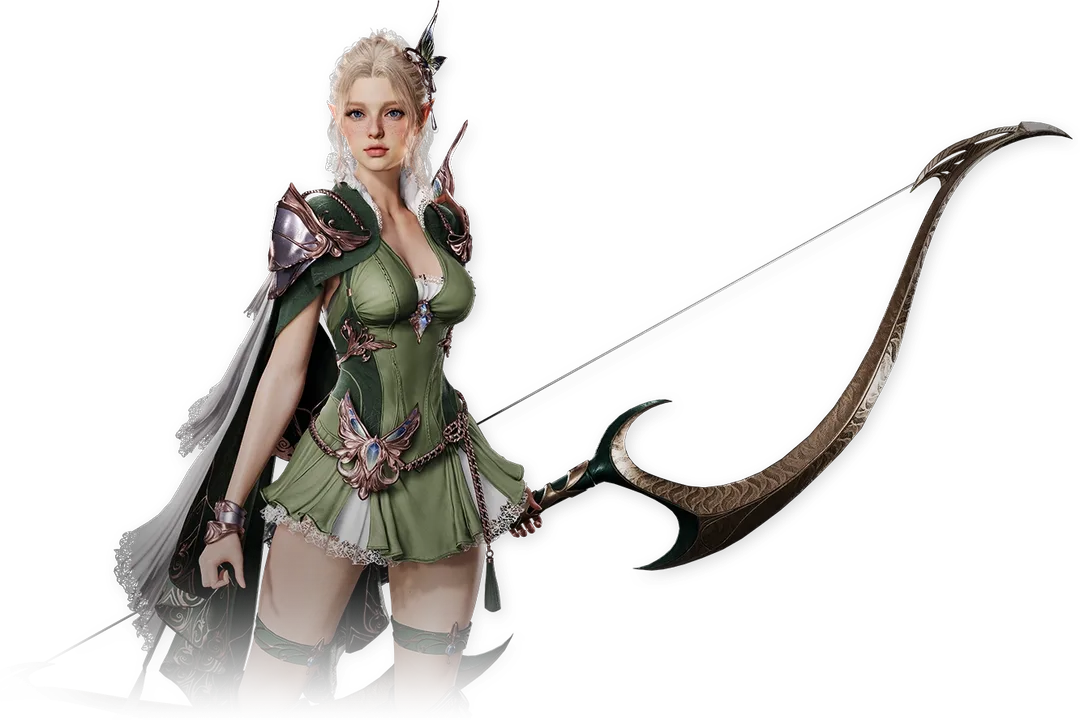
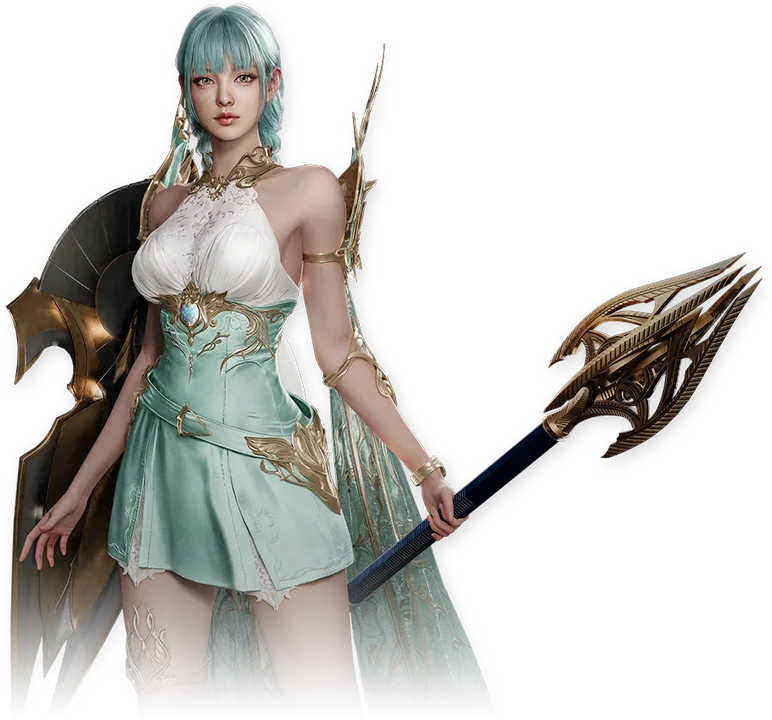
Yes, AION 2 Has Deep Character Customization
Character Customization Guide FAQ
Can you change your appearance after creating a character?
Yes. Use an Appearance Change Voucher to reopen the full creator. You can get one from the A2 Mileage shop for 26,000 Mileage.
What does the Customization Voucher do?
It edits a skin in your Closet. To change your face or body you need an Appearance Change Voucher instead.
How much does a Style Shop look cost?
Loading a shared style costs 600 Quna or one Character Appearance ticket.
Do skins give stats?
Shop cosmetics are looks only, says NC. Some collection systems like wings add Owned Effects.